Written to the curriculum
Each resource targets specific KS2 Maths objectives, official IGCSE paper/question codes, or real IB AA HL Paper 1 mark allocations, with a full answer key or mark scheme included.

Step-by-step solutions to past papers and maths ebooks, written for each exam board. Pay once and download the PDF.
AQA · Edexcel · OCR
Coming soon
Learn moreCore & Extended
4 solutions · 2 ebooks
BrowseSL & HL
1 solution
BrowseMaths ebooks and worked-solution books for GCSE, IGCSE and IB — read online in your browser, with PDF download where offered.
A focused set of 12 Year 6 Maths fraction questions on understanding fractions as parts of a whole and parts of a set, with worked examples and working space. Includes the full student worksheet plus a separate answer key with model answers and marking guidance for every question. KS2 practice. Original content, not affiliated with or derived from the Standards and Testing Agency.
A focused set of 12 Year 6 Maths fraction questions recapping the numerator and denominator — identifying each from a written fraction, reading fractions from bar and pie diagrams, and explaining what each part of a fraction represents. Includes the full student worksheet plus a separate answer key with model answers and marking guidance for every question. KS2 practice. Original content, not affiliated with or derived from the Standards and Testing Agency.
Each resource targets specific KS2 Maths objectives, official IGCSE paper/question codes, or real IB AA HL Paper 1 mark allocations, with a full answer key or mark scheme included.
No subscriptions, no accounts. One clean payment per pack, from anywhere in the world.
Your PDF unlocks the moment payment is confirmed — no waiting.
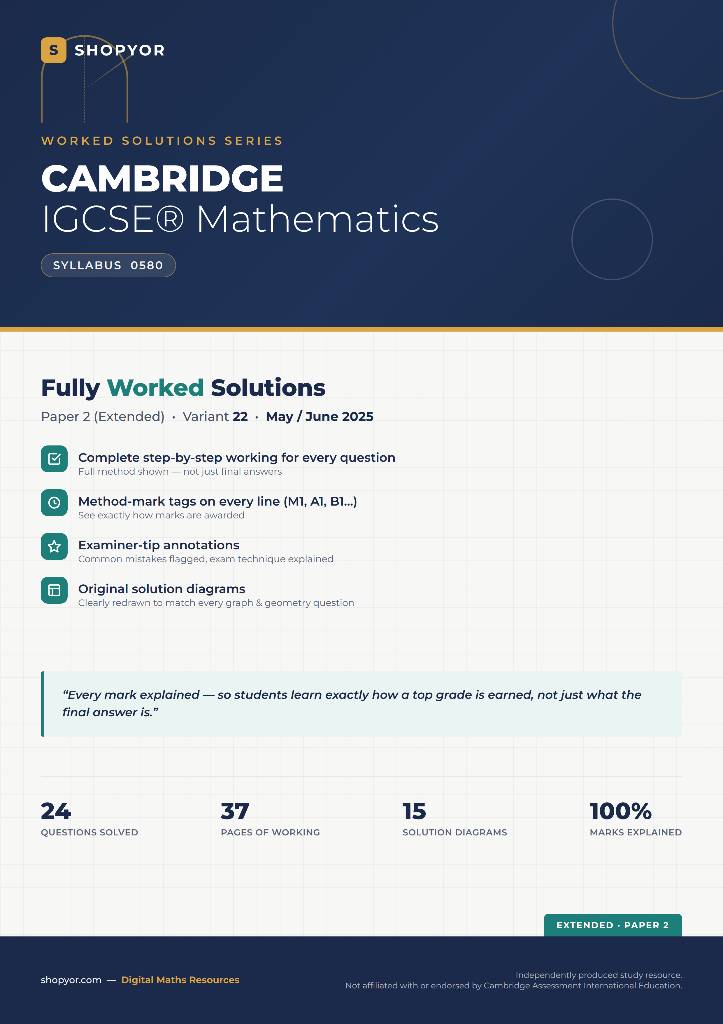
Shopyor's main focus is fully worked exam solutions — starting with Cambridge IGCSE Mathematics 0580 past papers and IB Mathematics AA HL Paper 1-style practice questions — with every question solved step-by-step in mark-scheme order (M1/ A1/R1 for IB) and an examiner tip flagging the most common mistake. The IGCSE packs are worked solutions to real past papers; the IB packs are original Shopyor practice questions written to match the topics, style, and mark allocations of the real Paper 1 exam, not official past papers. Alongside these, Shopyor also sells UK KS2 Year 6 Maths worksheets, written to the curriculum with worked examples and a full answer key.
Every pack downloads as a single PDF, ready to print at home, in a tutoring session, or for a single classroom, wherever in the world you're studying or teaching from. New topics and exam sessions are added regularly.
Unlike subscription-based worksheet libraries, Shopyor is pay-per-pack: no account, no recurring charge, and no email sign-up. Pick a pack, pay once, and your download unlocks instantly.
Shopyor's main focus is fully worked exam solutions — Cambridge IGCSE Mathematics 0580 past papers and IB Mathematics AA HL Paper 1-style practice questions — every question solved step-by-step in mark-scheme order (M1/A1/R1 for IB) with an examiner tip on common mistakes. Alongside these, Shopyor also sells UK KS2 Year 6 Maths worksheets with worked examples, working space, and a full answer key. All resources download as PDFs.
The solutions are original worked-through answers written by Shopyor, aligned to how the official Cambridge mark scheme awards marks (method, accuracy, and B marks shown at each step). They reference the official paper code and question numbers but do not reproduce Cambridge's copyrighted question text — you'll need your own copy of the question paper alongside the guide. Not affiliated with or endorsed by Cambridge Assessment International Education.
No — the IB Maths packs are original Shopyor practice questions written to match the topics, style, and mark allocations of the real IB Mathematics AA HL Paper 1 format, with each step tagged M1/A1/R1 exactly as an IB examiner would award it. They are not sourced from an official or leaked IB past paper, and are designed to give students realistic practice ahead of the real exam. Not affiliated with or endorsed by the International Baccalaureate Organization (IBO).
No — these are original practice materials written to the Year 6 (KS2) Maths curriculum, not past or leaked official papers. They're designed to build topic confidence and give pupils realistic practice ahead of Year 6 SATs, covering the same content areas and difficulty level as the actual assessment.
No. Shopyor is pay-per-download — pick a pack, pay once via a secure checkout, and your PDF is available to download immediately after payment. There's no account to create, no recurring subscription, and no email list to join, wherever in the world you're buying from.
Yes — once purchased, the PDF is yours to print as many times as you need for personal, tutoring, or single-classroom use. Bulk school-wide licensing isn't offered yet.
After checkout, you're automatically redirected to a download page on Shopyor — your PDF unlocks as soon as payment is confirmed, usually within a few seconds. There's no email delivery wait.
Both — the packs are used by parents and self-study students, private tutors, and teachers looking for ready-made practice or worked-solution material without a subscription. Every pack includes an answer key or mark scheme so it can be marked correctly without a teaching background.
Shopyor still runs 17+ free, browser-based tools for video, PDF, image, AI, and SEO — no purchase needed.
Browse free tools